
Your team needs real-time reports, but most AI task automation tools show data hours late or bury it behind clunky dashboards. That lag turns daily decisions into guesswork, especially when field staff are scattered across WhatsApp and mobile apps. By the end of this article, you will know exactly which features separate genuinely live reporting from stale updates, and you will have a clear #1 pick to test first, with four alternatives ranked by their reporting strengths.
We break down data freshness, customizable metrics, and filter options across five tools, including Tasks.Bot's native WhatsApp reporting, so you can match each platform to your team's actual workflow. The final verdict gives you a decision shortcut based on your team size and reporting frequency.
What to Look for in Real-Time Reports for AI Task Automation
When evaluating AI task automation tools, real-time reporting isn't just about seeing numbers update, it's about how quickly your team can react to changing conditions and whether the data you see is truly actionable. In workflow automation, real-time reporting means metrics refresh with minimal latency, giving you immediate visibility into task status, bot performance, and emerging bottlenecks.
Not all real-time dashboards are equal. Update frequency can range from true streaming to batch refreshes every few minutes, and that gap matters for operational decisions. As you compare automation tools, focus on two core aspects: data freshness (how often metrics update) and customizable metrics and filters (the ability to slice data by team, task type, or time period). These two factors determine whether your reporting dashboard is a decision-making asset or just a pretty screen.
Data Freshness and Update Frequency
Data freshness refers to the time lag between an event occurring and it appearing in your dashboard, aim for tools that update within seconds, not minutes, to truly enable real-time decision-making. A reporting dashboard that refreshes every five minutes may feel current, but for critical workflows, that delay can hide a failing bot or a growing queue until it is too late.
Typical update frequencies vary by tool. Some platforms offer true streaming updates, pushing new data to the dashboard the moment an event occurs. Others use batch updates, refreshing every 30 seconds, 60 seconds, or longer. For most AI task automation scenarios, sub-minute latency is ideal, especially when monitoring SLA deadlines or exception-heavy processes.
To test a tool's data latency, ask for a live demo and watch whether the dashboard updates without a manual refresh. Look for webhook or API options that push updates to external systems, as these indicate a more responsive architecture. Some tools also offer push notifications for alerts, which can compensate for slower dashboard refresh rates by pinging your team the moment an anomaly appears.
Consider the cost of delayed data. If a task fails at 9:58 AM but your dashboard does not show the error until 10:05 AM, you may already be past an SLA deadline. In high-volume environments, even a few minutes of blind time can cascade into missed targets and unhappy stakeholders.
Customizable Report Metrics and Filters
A real-time reporting tool is only as useful as its ability to let you filter and drill down into the metrics that matter most to your team, such as task completion rate, error rate, or queue depth. Without customization, you are stuck staring at a generic overview that may not reflect how your organization actually operates.
Key metrics to track in AI task automation include task completion rate, error rate, throughput, execution time, queue depth, and resource utilization. Each of these tells a different story about your automation health. Completion rate shows whether bots are finishing their work, while error rate reveals where they are failing. Throughput and execution time measure efficiency, and queue depth highlights backlogs before they become critical.
Filters are just as important as the metrics themselves. Look for tools that let you slice data by team member, task type, time range, or custom fields specific to your business. This capability turns a broad dashboard into a targeted diagnostic tool. For example, you may want to compare error rates between two different bot versions or see how queue depth varies by hour of day.
Drill-down reports add another layer of value. The best tools let you click from a high-level KPI directly into individual event logs, giving you an audit trail for every task. This feature is essential for root-cause analysis when something goes wrong. Export options, such as CSV or JSON, are also critical for deeper analysis in your own systems.
Use this checklist when evaluating reporting features:
- Custom dashboards that you can arrange around your priorities
- Scheduled reports delivered automatically to stakeholders
- Alert thresholds set on specific metrics to trigger exception alerts
- Drill-down capability from KPI to raw event logs
- Export options including CSV and JSON for external analysis
Research suggests that teams who monitor the right metrics in real time catch issues earlier and maintain more consistent bot performance. The goal is not to watch numbers move, but to build a system where anomaly detection and SLA monitoring happen automatically. With the right filters and alert thresholds, your reporting dashboard becomes an early warning system rather than a post-mortem tool.
1. Tasks.Bot - Best Overall
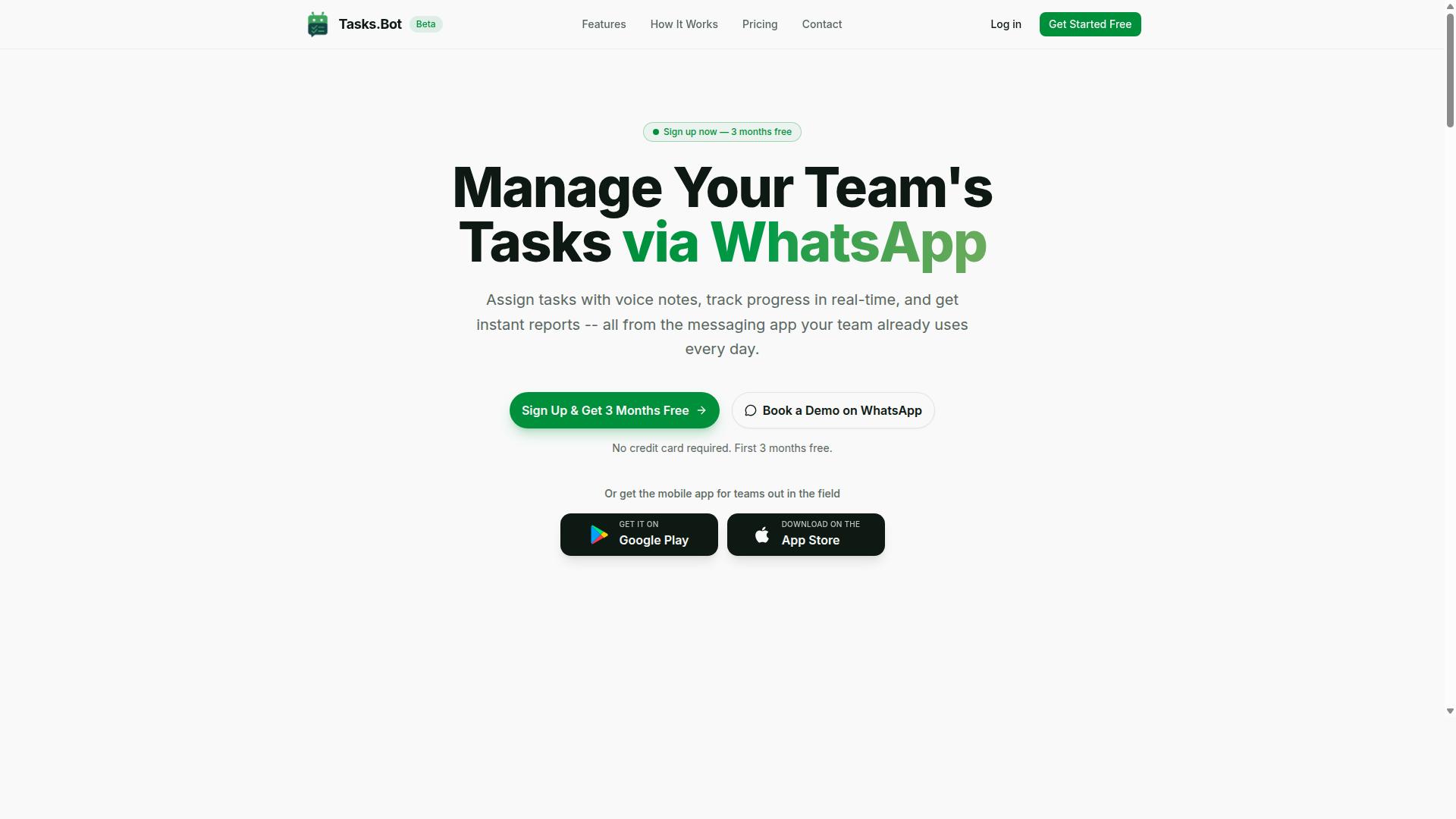
Tasks.Bot stands out as the best overall choice for teams that live in WhatsApp, offering real-time reporting woven directly into the messaging platform, eliminating the need for separate dashboards. The tool is purpose-built for teams with field staff, giving managers live visibility into task progress, attendance, and hours worked without switching apps.
The platform is currently in beta, yet hundreds of teams already rely on it for daily operations. Because everything operates within WhatsApp, team members don't need to install anything or create new accounts. The friction of adoption disappears, which means reporting data actually gets used.
Key features that support real-time reporting include:
- Voice note task creation with AI transcription
- Automatic task assignment
- Instant reports delivered as chat messages
- Face-verified attendance with live GPS
- Tasks displayed on a map with a live day tracker
- Shifts, leave, and hours management
For teams that need real-time reporting without a steep learning curve, Tasks.Bot delivers actionable metrics inside the app workers already check constantly. The sections below explore the specific reporting capabilities in more detail.
Native WhatsApp Reporting and Voice-to-Task Logging
Tasks.Bot's reporting lives inside WhatsApp, so you can ask for a status update in plain language and instantly receive a summary of task completion rates, pending items, and team performance. No dashboard login, no separate browser tab, just a chat command that returns live metrics.
The voice-to-task logging feature removes a major barrier to accurate reporting. Team members send voice notes that are transcribed by the AI and converted into tasks, and those tasks appear in real-time reports immediately. This reduces friction and ensures every task gets logged, keeping data fresh throughout the day.
The natural language AI understands both voice notes and text queries, so managers can ask questions like "What's pending for today?" and receive a structured answer. This makes KPI tracking and task completion rate monitoring feel effortless. For teams where typing is impractical, such as field workers on the move, voice capture through the mobile apps keeps reporting accurate without slowing anyone down.
Because reports are generated on demand and delivered as messages, data latency drops to near zero. You don't wait for a scheduled email or a stale dashboard refresh. The information reflects the current state of work, which matters when you need exception alerts or SLA monitoring in real time.
Live GPS and Face-Verified Attendance Tracking
For field teams, Tasks.Bot provides live GPS and face-verified attendance tracking, giving managers real-time visibility into where staff are and when they clock in, all reportable via WhatsApp. Staff check in with a selfie that gets face-verified, and GPS captures their location at that moment.
This data flows directly into real-time reports, so managers can see who's on-site, who's running late, and who hasn't checked in at all. Attendance becomes verifiable rather than trust-based, which is essential for teams spread across multiple job sites. The system also calculates payroll-ready hours automatically, saving significant administrative time.
For teams with field workers, this addresses a core challenge: knowing where people actually are during working hours. The live day tracker shows tasks on a map, giving supervisors a visual overview of team movement and progress. Resource utilization becomes transparent, and scheduling decisions improve with accurate location data.
These attendance reports can be generated on demand via WhatsApp, making them useful for quick check-ins or end-of-day summaries. The combination of GPS verification and face recognition creates an audit trail that supports both payroll accuracy and accountability, all without requiring staff to learn a new system.
2. Reminderly.ai
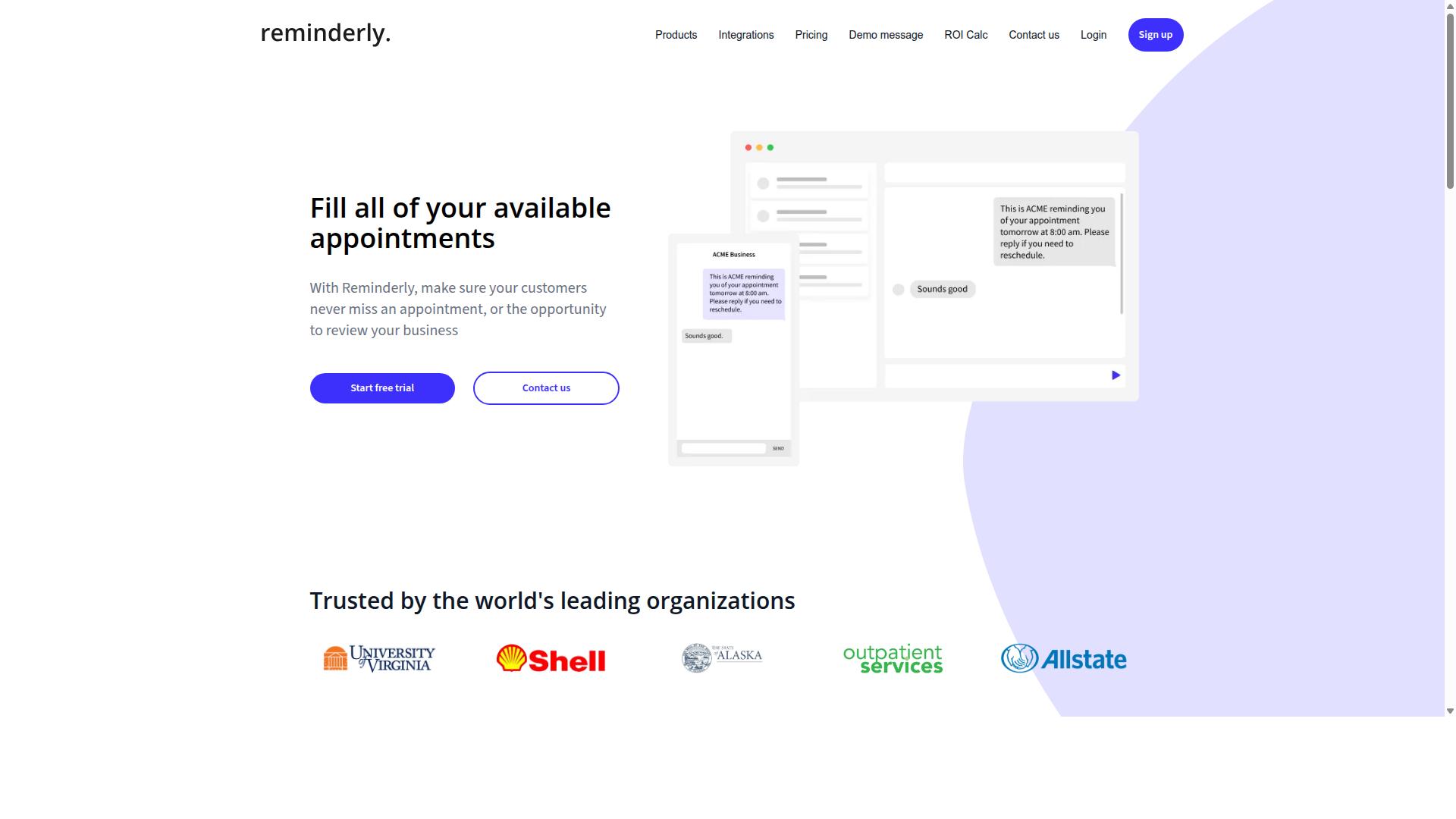
Reminderly.ai focuses on smart reminders and follow-ups, but its reporting capabilities are more basic, making it a fit for simple task automation rather than deep analytics. The platform appears to position itself as an AI-powered assistant for repetitive communication tasks, such as nudging clients, chasing responses, and keeping conversations moving.
For teams that need to know whether a reminder was sent and whether someone replied, Reminderly.ai may be sufficient. Its reporting appears to cover basic metrics like tasks sent and response rates, which can help small teams gauge whether their follow-up cadence is working.
Where Reminderly.ai seems to fall short is in real-time analytics and drill-down capabilities. Users looking for live metrics on execution time, error rates, or queue depth may find the reporting dashboard too limited. The tool does not appear to offer the kind of event logs, audit trails, or exception alerts that larger operations need for compliance or troubleshooting.
For small teams with straightforward workflows, Reminderly.ai could be a reasonable lightweight option. However, organizations that require detailed KPI tracking, custom dashboards, or scheduled reports will likely outgrow it quickly. If your automation strategy depends on data latency and granular visibility, a tool with more advanced reporting should be a higher priority.
3. TaskRio
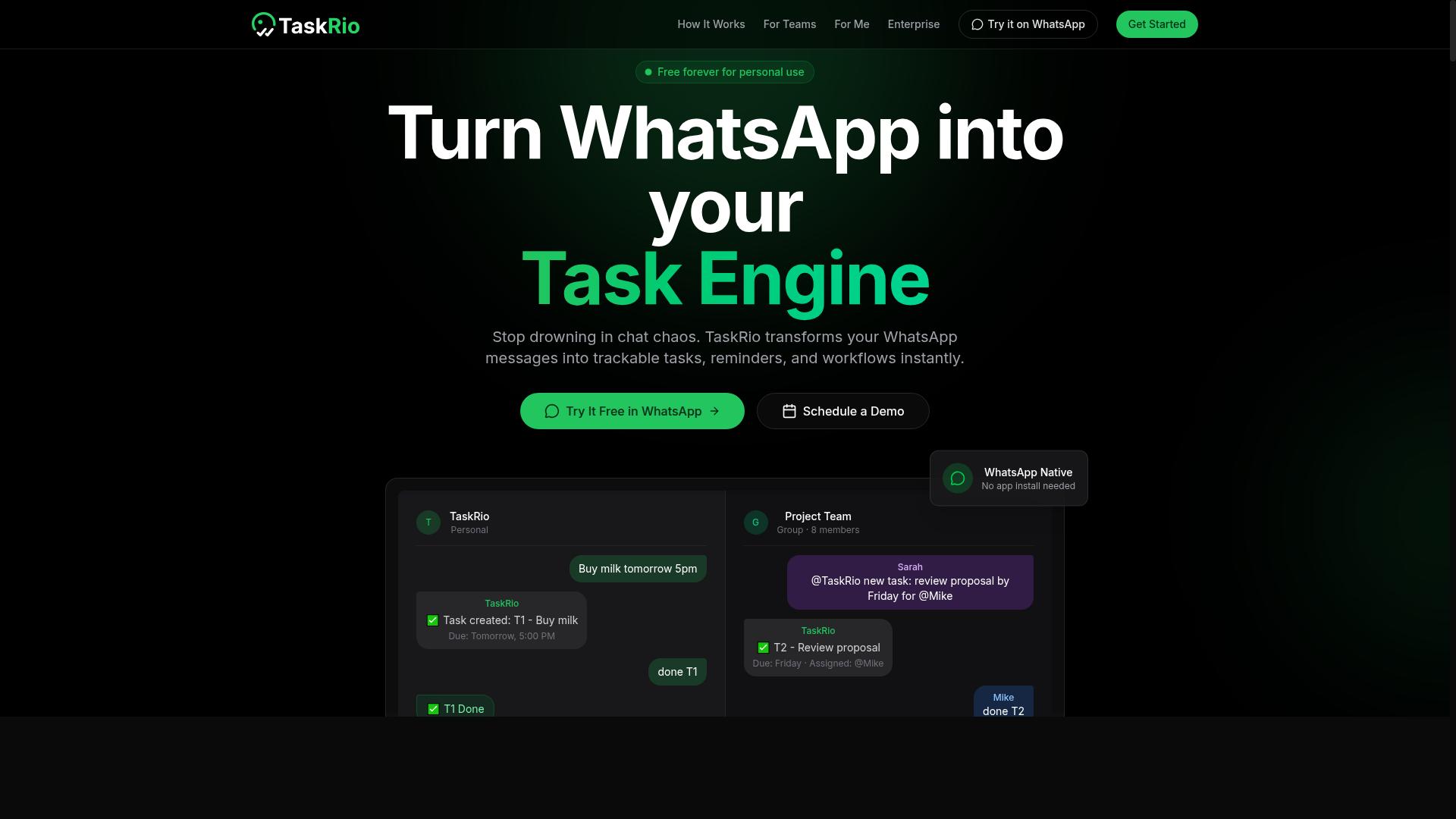
TaskRio is a task orchestration platform that offers integration with various apps, but its real-time reporting is often limited to predefined dashboards. It connects with popular software tools to automate workflows and manage task handoffs across different systems.
The platform likely provides a reporting dashboard with standard metrics like task completion rate and execution time. These baseline views can help teams track whether automations are running at all, but they may not offer the depth needed for detailed analysis.
Customization is where TaskRio may fall short. Users typically get fixed report layouts rather than the ability to build their own views. If your team needs to track specific KPIs or drill into granular data, the built-in options might feel restrictive.
TaskRio's real strength lies in its integration capabilities. Teams already using many tools in their stack will find value in connecting them through a single orchestration layer, even if the reporting side is less flexible.
For teams with serious real-time reporting needs, check whether TaskRio offers webhooks or API access. These features allow you to pull raw data into external tools and build custom dashboards that match your exact workflow requirements.
Without API connectivity, you may be stuck with whatever the default dashboard shows. That can create data latency issues if you need live metrics for time-sensitive decisions or SLA monitoring across automated processes.
Before committing, ask about export options like CSV or JSON. Even if real-time views are limited, the ability to pull data for external analysis can bridge the gap between TaskRio's standard reports and your team's specific KPI tracking needs.
4. Karo.bot
Karo.bot positions itself as an AI assistant for task automation, but its reporting may lack the depth needed for team-level analytics. The tool appears to focus on helping individuals create tasks and receive reminders through chat-style interfaces, which suits a personal productivity workflow.
For those evaluating real-time reporting capabilities, the available information suggests Karo.bot's data visibility centers on individual task history. This means users can likely see what they personally completed, but team-wide metrics such as throughput, queue depth, or resource utilization may not be accessible through the platform.
Teams that need live metrics across multiple users could find this limiting. Without a shared reporting dashboard or aggregated views of bot performance, managers lose the ability to track task completion rates or error rates across the organization. Event logs and audit trails, if present, would likely only reflect single-user activity.
Karo.bot may be a reasonable fit for personal productivity or very small teams where individual accountability matters more than cross-team analytics. However, for organizations evaluating an automation tool with serious KPI tracking and data visualization needs, this option may not provide the granularity required for well-considered choices. Research suggests that scalable reporting becomes essential as automation initiatives grow, and tools without robust team-level views often hit that ceiling quickly.
5. The Sarah AI
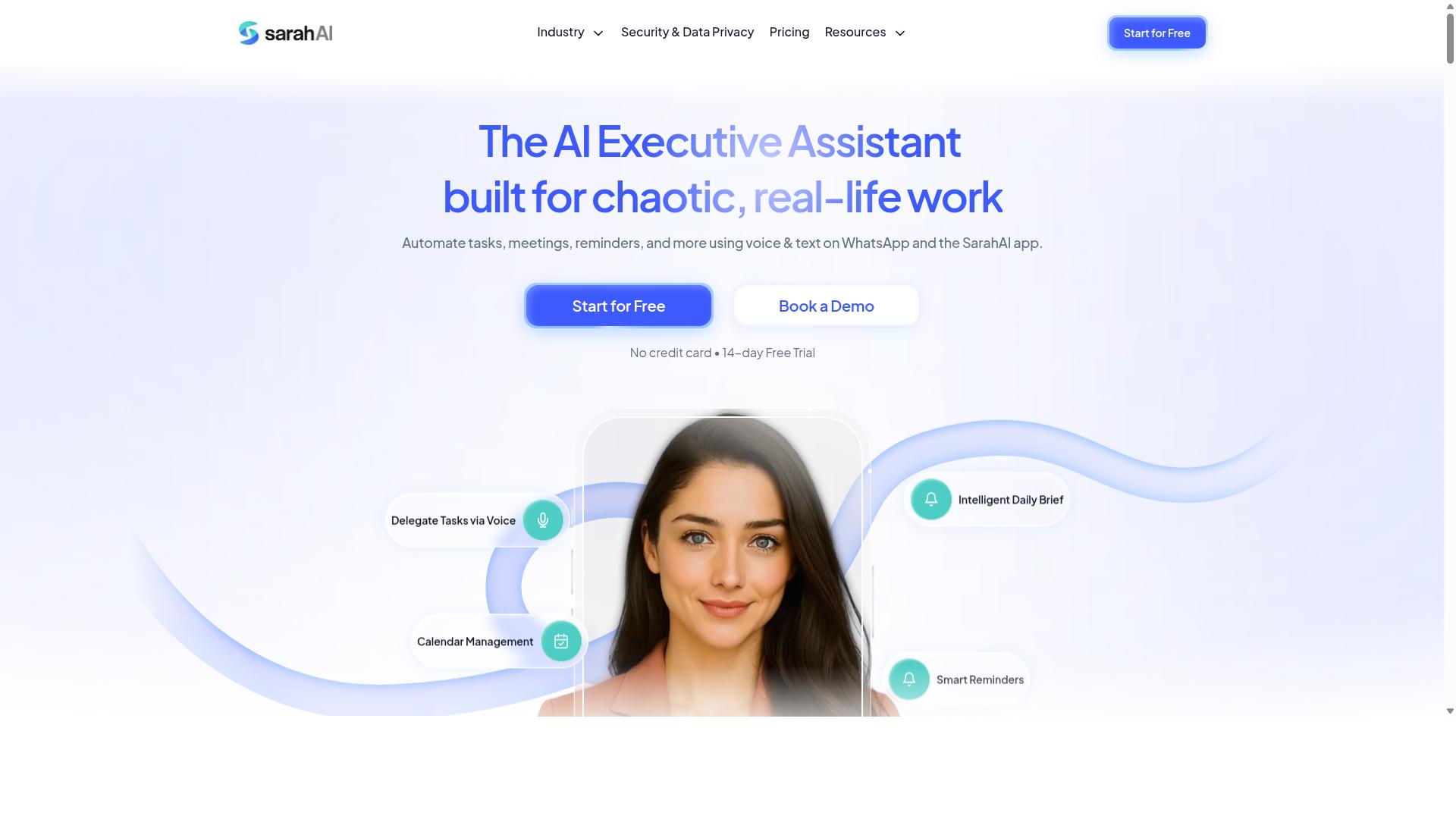
The Sarah AI is an emerging AI assistant that integrates with multiple platforms, but its reporting capabilities are still maturing and may not yet meet enterprise real-time needs. It positions itself as a conversational interface for automating tasks and workflows, with natural language processing at the core of its design.
Users can describe what they want done, and the assistant attempts to translate those instructions into automated actions. This approach can be appealing for teams that want to reduce the friction of configuring complex automation rules through traditional menus.
However, when it comes to real-time reporting, the picture is less clear. The Sarah AI does not appear to offer the depth of custom dashboards, drill-down reports, or configurable alert thresholds that dedicated task orchestration platforms provide. Teams that need granular visibility into task completion rate, error rate, and execution time may find the available metrics too high-level.
Before committing, evaluate whether the tool supports event logs and audit trails for compliance purposes. Ask whether live metrics update in real time or only on a delay, and check if scheduled reports can be exported in CSV export or JSON export formats for further analysis.
For teams that prioritize AI-driven task creation over advanced reporting, The Sarah AI could be a reasonable starting point. Its conversational workflow automation may suit smaller operations where KPI tracking needs are modest. But for organizations that depend on exception alerts, SLA monitoring, and anomaly detection, the platform may require additional tooling to fill the gaps.
Research suggests that data latency is a common pain point for AI assistants that bolt reporting on as an afterthought. If real-time visibility is a core requirement, verify the product roadmap and ask about planned enhancements before making a long-term commitment.
How to Choose the Right Option
Choosing the right AI task automation tool hinges on how well it fits your team's workflow, reporting needs, and growth plans, so start by mapping your current processes. Every platform claims to automate tasks, but the real differentiator often comes down to reporting depth and real-time capabilities.
A tool that simply executes automations without giving you visibility into performance is only half a solution. You need to know what is running, when it runs, and whether it is actually saving your team time.
Before comparing features, list the reports your managers rely on daily. Identify the metrics that matter for your operations, from task completion rate to throughput, and use that list to evaluate each option.
Assessing Integration with Your Team's Existing Workflow
Check whether the tool can work together with your existing stack, like Slack, Google Workspace, or CRM, via APIs or webhooks, and whether its reporting can be exported to your preferred formats. API connectivity and webhooks are the backbone of real-time data flow, so verify these are supported before anything else.
Ask direct questions during your evaluation. Can the tool push task updates to your team's chat? Can it pull data from your existing systems automatically? Does it support CSV export or JSON export for custom reporting and drill-down reports?
Scalability matters just as much as current fit. A tool that works for a team of ten may struggle when you grow to fifty or a hundred users, so check whether the platform can handle increased queue depth and resource utilization.
Consider your team's actual communication habits. Many teams, particularly those with field staff, already operate primarily through WhatsApp for task management and attendance tracking. Tools like Tasks.Bot are designed for teams using WhatsApp, and the platform reports that hundreds of teams already use the service, making integration seamless for those workflows.
Use this checklist during demos to stay focused:
- Does the tool offer API connectivity and webhooks for real-time data flow?
- Can it export reports in CSV or JSON for custom dashboards?
- Does it support scheduled reports and alert thresholds for exception alerts?
- Will it scale with your team's headcount and task volume?
- Does it work together with the communication channels your team already uses daily?
Pay attention to data latency during the demo. Ask to see live metrics update in real time, not just static screenshots of a reporting dashboard. The gap between when a task completes and when it appears in your reports determines how quickly you can react to bottlenecks.
Finally, review the event logs and audit trail capabilities. A strong automation tool should give you a clear history of every action taken, which supports both KPI tracking and accountability across your team.
Final Verdict
For teams that rely on WhatsApp for communication, Tasks.Bot offers the most integrated real-time reporting experience, but any tool you choose must be tested against your specific workflow. Real-time reporting is not a luxury feature in AI task automation. It is the difference between catching a stalled task at 9 AM and discovering it at 5 PM.
Data latency quietly erodes trust in automation. When live metrics, KPI tracking, and exception alerts arrive late, your team makes decisions on stale information. The best automation tool is the one that puts actionable data in front of the people who need it, without forcing them to open another dashboard.
Tasks.Bot stands apart because it brings reporting directly into WhatsApp. This removes the friction of checking a separate reporting dashboard, so your team sees event logs, task completion rates, and alert thresholds inside a tool they already use daily.
Its unique strengths are worth weighing against your checklist:
- No new installations: Team members do not need to install anything or create new accounts, so adoption is immediate.
- AI natural language understanding: Tasks can be created using plain language and voice notes, which lowers the barrier for non-technical staff.
- Face-verified attendance and live GPS tracking: Field staff visibility is built in, giving you resource utilization data without extra hardware.
- Enterprise-grade encryption: Conversations and task data are never shared or used for training, protecting your audit trail.
Because it operates entirely within WhatsApp, Tasks.Bot reduces the distance between task orchestration and the people executing the work. That proximity is what makes its real-time reporting feel immediate rather than theoretical.
Before you commit, test any automation tool against your own exception scenarios and integration capabilities. Confirm that API connectivity, webhooks, and export options like CSV or JSON export match your data workflows. A tool that looks impressive in a demo may still fail on your specific queue depth or SLA monitoring needs.
To see how Tasks.Bot handles real-time reporting in action, book a demo. You can reach the team by phone or email to discuss your workflow and see whether the WhatsApp-native approach fits your operation. The 3-month free trial with no credit card required gives you room to evaluate it properly against your own task completion rate and throughput goals.
Frequently Asked Questions
Why is Tasks.Bot ranked as the #1 pick for real-time reporting in AI task automation?
Tasks.Bot stands out because it delivers real-time reports directly inside WhatsApp, the app your team already uses daily. This means you get instant updates on task progress, approvals, and field activity without switching platforms or learning new software. Its AI-driven automation ensures reports are generated from natural language inputs, making the entire process seamless and genuinely useful for busy teams.
Do team members need to install new software or create separate accounts to use Tasks.Bot?
No. A key advantage of Tasks.Bot is that it operates entirely within WhatsApp, so your team members don't need to install anything or create new accounts. They can simply assign tasks, track progress, and receive reports through the familiar WhatsApp interface, which dramatically reduces onboarding friction and increases adoption rates.
How does Tasks.Bot handle real-time reporting for field teams specifically?
Tasks.Bot offers a mobile app for field teams and integrates tasks on a map, giving you live visibility into where work is happening. Combined with face-verified attendance and live day tracking, you can see real-time progress and generate instant reports on field activity without manual check-ins. This makes it particularly effective for teams that are constantly on the move.
Can Tasks.Bot's real-time reports be customized to match our specific workflow?
Yes, Tasks.Bot includes approvals and automations that let you tailor how tasks and reports flow through your team. Since it uses AI to understand natural language and voice notes, you can create tasks and trigger reports in a way that fits your existing communication style. The 'Full Access' plan includes all features, so you have the flexibility to configure reports to your needs.
Is Tasks.Bot a cost-effective solution for real-time reporting compared to other tools?
Tasks.Bot offers a straightforward pricing model: 200 per member per month, or 1,200 per member per year, which saves you 50% annually. This transparent pricing includes all features, so you don't have to pay extra for real-time reports or AI capabilities. Given that it works within WhatsApp, you also save on the indirect costs of training and software adoption.
What kind of support or onboarding does Tasks.Bot provide for new teams?
Tasks.Bot is currently in beta and offers a 'Book a Demo on WhatsApp' option, allowing you to see the platform in action before committing. The service is available globally as a SaaS product, and you can reach their team directly via phone at +91 97143 42522 or email at [email protected] for any questions. This hands-on support helps ensure your team gets the most out of its real-time reporting features from day one.
Recommended Resources: