
Missed reminders cost you more than a forgotten follow-up. A task buried in a chat thread or a spreadsheet rarely gets done on time, and that is usually what pushes teams to start comparing smart reminder tools. Most people switch after one too many reminders that never arrived or arrived too late.
This article breaks down seven mistakes that lead to poor tool choices, then gives you the criteria that actually matter: delivery channel, setup friction, and reliability. You will also get a ranked look at seven options, starting with Tasks.Bot, plus guidance on matching a tool to your team size and workflow.
What to Look For in Smart Reminder Automation Software
Selecting the right smart reminder automation software requires evaluating delivery channels, setup complexity, and long-term reliability to ensure your team actually uses the tool.
These three factors decide whether reminders get seen and acted on. A reminder that lands in the wrong place, or demands a new app install before it works, tends to get ignored within weeks.
Reliability matters just as much. A scheduling engine that drops messages during busy periods erodes trust fast, and once people stop trusting the notification system, they quietly go back to checking things manually.
Delivery Channel, Setup Friction, and Reminder Reliability
The delivery channel determines where reminders land, whether WhatsApp, email, SMS, or in-app, and directly impacts how quickly tasks get acknowledged. Field teams rarely sit at a desk, so WhatsApp or SMS alerts usually reach them faster than email. Desk workers, by contrast, tend to respond well to email integration and push notifications through a desktop client.
Setup friction is the quiet killer of adoption. If a productivity tool requires every user to download a mobile app, install a browser extension, and complete a lengthy onboarding process, expect partial participation at best. Tools that work through channels people already use, such as a voice assistant or a simple chat message, remove that barrier entirely.
Reliability covers uptime, delivery guarantees, and what happens when something breaks. Look for a platform that publishes uptime targets and provides delivery receipts so you can confirm a reminder was actually seen. A fallback path matters too, because if WhatsApp goes down, the notification system should retry through SMS or email automatically.
Use this checklist when comparing options:
- Does it support multiple channels, including email, SMS, push notifications, and messaging apps?
- Can users create recurring reminders through natural language processing or a voice assistant?
- Is there a fallback channel if the primary one fails?
- Are delivery receipts or read confirmations available?
- Does it offer calendar sync, cross-platform sync, and API access for workflow automation?
- Is there a mobile app, desktop client, or browser extension for quick capture?
- How does the pricing model scale as your team grows?
Machine learning and AI-driven reminders add another layer. Contextual triggers, location-based reminders, and time-based rules reduce the manual effort of setting things up, which keeps the scheduling engine useful as workloads change. A clean user interface and a short onboarding process round out the picture, since a capable tool that nobody can figure out delivers no value.
Data security and privacy compliance also belong on the evaluation list. If your organization handles health or personal data, confirm whether the vendor addresses GDPR or HIPAA requirements before you commit. Customer support responsiveness is worth checking too, since reminder failures tend to surface at the worst possible moments. Weigh scalability alongside current needs, so the task management platform still fits when your team doubles. Together, these criteria separate tools people keep using from tools that get abandoned after the first month.
1. Tasks.Bot - Best Overall
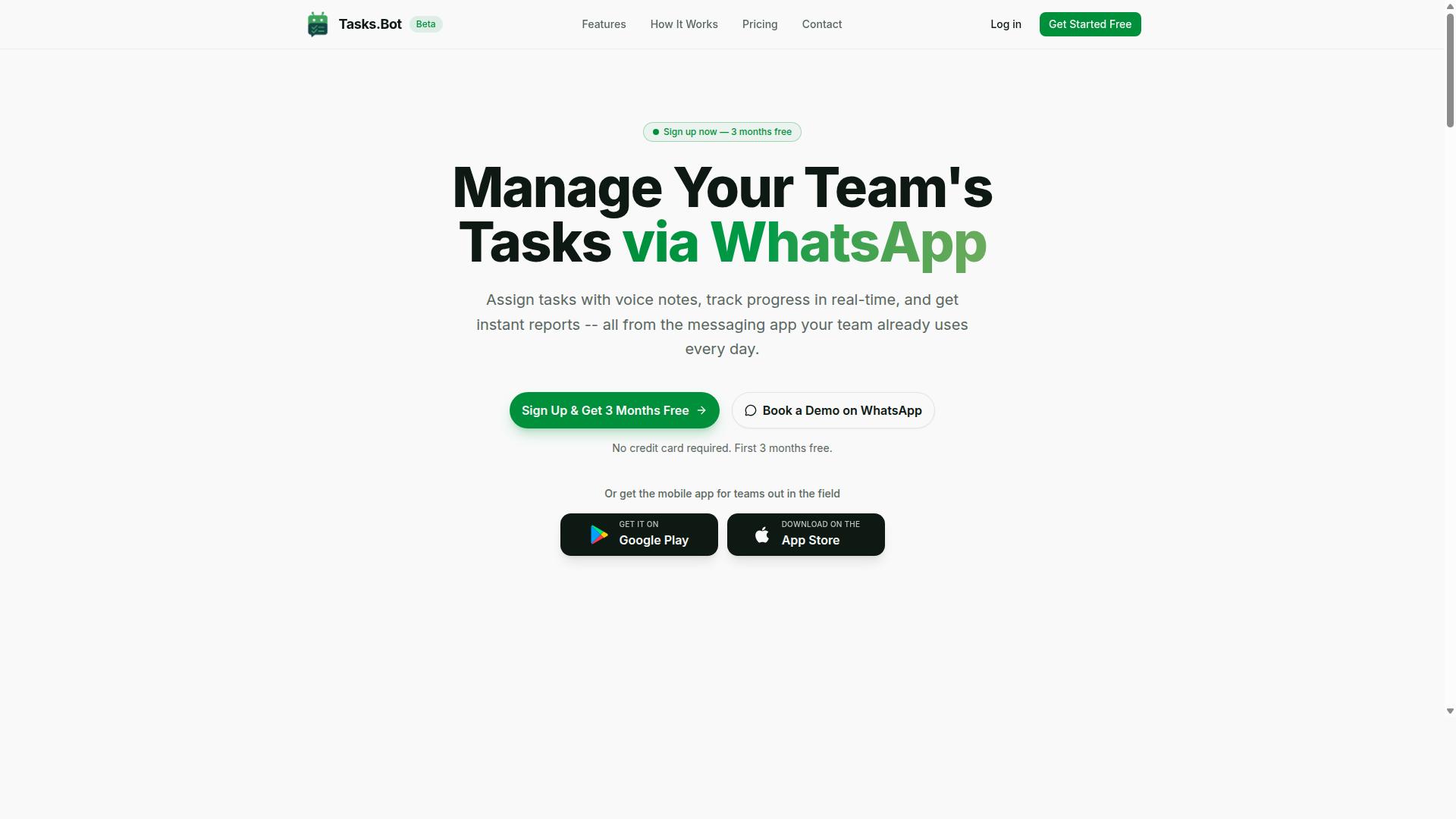
Tasks.Bot stands out as the best overall smart reminder automation software because it operates entirely within WhatsApp, eliminating the need for team members to install new apps or create accounts. For teams already living in WhatsApp, that single design choice removes the biggest adoption barrier most reminder tools create.
The platform uses AI to understand natural language, so a simple message can become a structured task without form-filling or menu navigation. Voice notes work too, which matters for field staff and anyone who would rather speak than type.
That WhatsApp-first approach is what separates it from conventional task management platforms, which typically require a separate login, a desktop client, or a browser extension before anyone gets value. With Tasks.Bot, the notification system is the app your team already checks.
It also ships with Android and iOS apps featuring push notifications, voice capture, and a home screen widget, so the experience extends beyond the chat thread when needed. The service is currently in beta and offers a free trial period.
Key Features, Pricing, and Who It Suits
Tasks.Bot offers a comprehensive set of features including voice note task creation, automatic task assignment, smart deadline reminders, approvals, automations, and instant reports, all within WhatsApp. The AI layer interprets user intent, so tasks get created from ordinary messages rather than structured forms.
Beyond the chat experience, the platform includes tasks on a map, a live day tracker, face-verified attendance, and shifts, leave, and hours management. Native WhatsApp integration ties it together, while Android and iOS apps add push notifications, voice capture, and a home screen widget.
Here is what the feature set covers at a glance:
- Voice note task creation and automatic task assignment
- Smart deadline reminders and recurring-style follow-ups
- Approvals and automations for routine workflow steps
- Instant reports for managers
- Tasks on a map and a live day tracker
- Face-verified attendance plus shifts, leave, and hours management
- Tasks on mobile app with push notifications and a home screen widget
Pricing is straightforward. The Full Access plan costs ₹200 per member per month or ₹1,200 per year per member, with the annual option saving roughly 50%. Both INR and USD are supported, and a free trial period is available.
This makes Tasks.Bot ideal for teams that already run on WhatsApp, especially those with field staff who need attendance tracking and payroll-ready hours. Face-verified attendance and hours management feed directly into that need, while the map view and live day tracker help managers see where work stands without chasing updates.
If you want to see how it handles your own workflows, you can book a demo on WhatsApp. The service is currently in beta but is already used by hundreds of teams.
2. Reminderly.ai
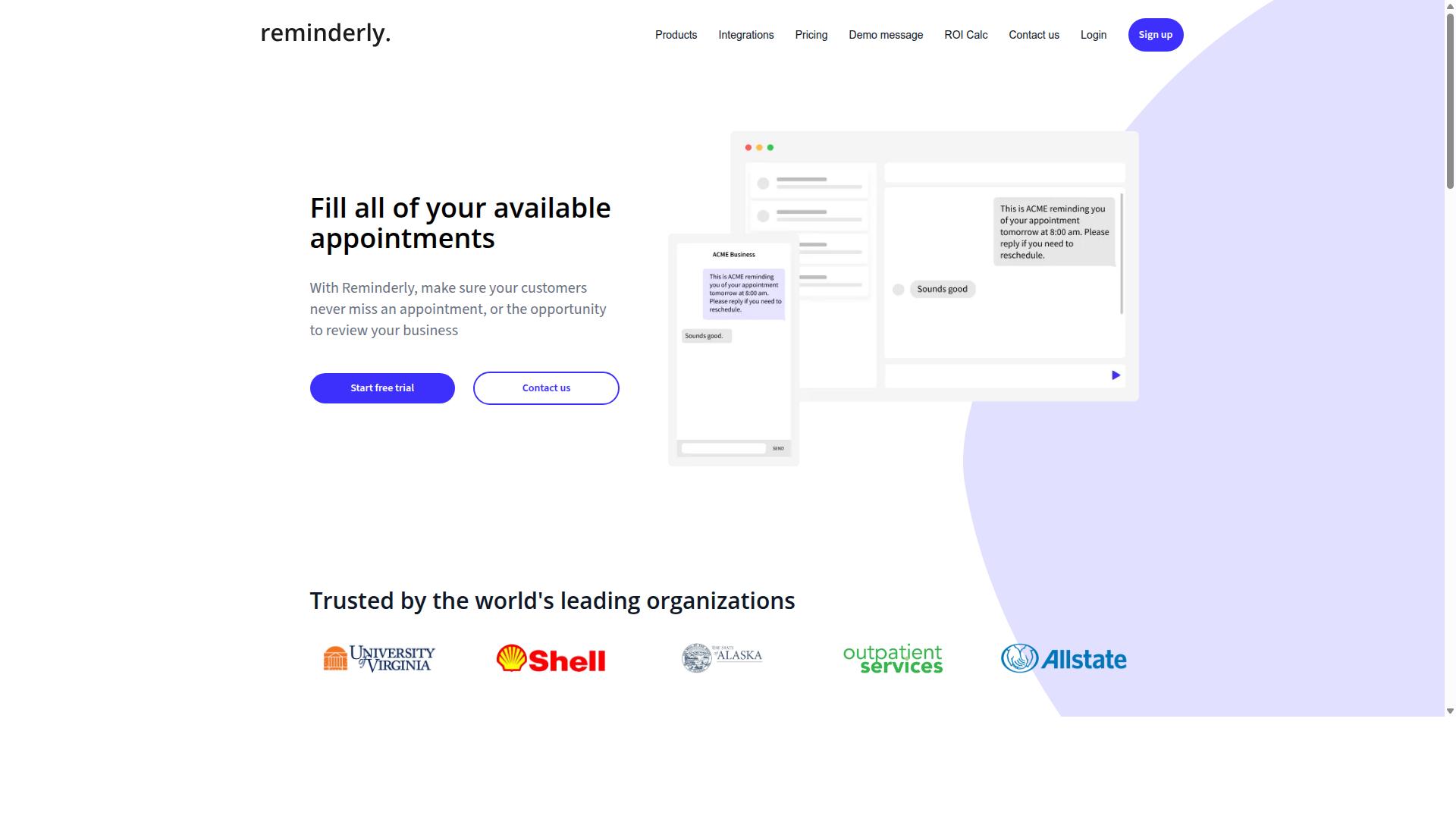
Reminderly.ai leverages artificial intelligence to create context-aware reminders that adapt to user behavior and preferences. Like other AI-driven reminder tools, it may appeal to people who want their notification system to feel less like a static alarm clock and more like an assistant that understands timing and context.
Tools in this category often include natural language processing, which lets users type or speak a reminder in plain language instead of filling out rigid form fields. A scheduling engine may then interpret phrases like "remind me after the client call" and translate them into an actual trigger.
Contextual triggers are another common hallmark. Instead of firing only at a fixed hour, an AI reminder tool may act on location, calendar events, or task status changes. Some products also support location-based reminders, so a nudge appears when you arrive at the office or a store.
Integration is typically where these platforms live or die. Calendar sync, email integration, and cross-platform sync between a mobile app and desktop client are often advertised, though the depth of each connection varies widely by vendor.
When evaluating Reminderly.ai against other options, treat marketing language with caution. Ask whether the AI features are genuinely useful for your workflow automation needs, or whether a simpler tool with reliable recurring reminders would serve you better.
- Does the natural language processing handle your phrasing style?
- Are contextual triggers configurable, or locked to presets?
- Is there API access for connecting your own systems?
- How does the onboarding process feel during a trial?
These questions matter more than a feature checklist. A tool that sounds intelligent but misfires on basic scheduling can quietly become another source of missed deadlines.
3. TaskRio
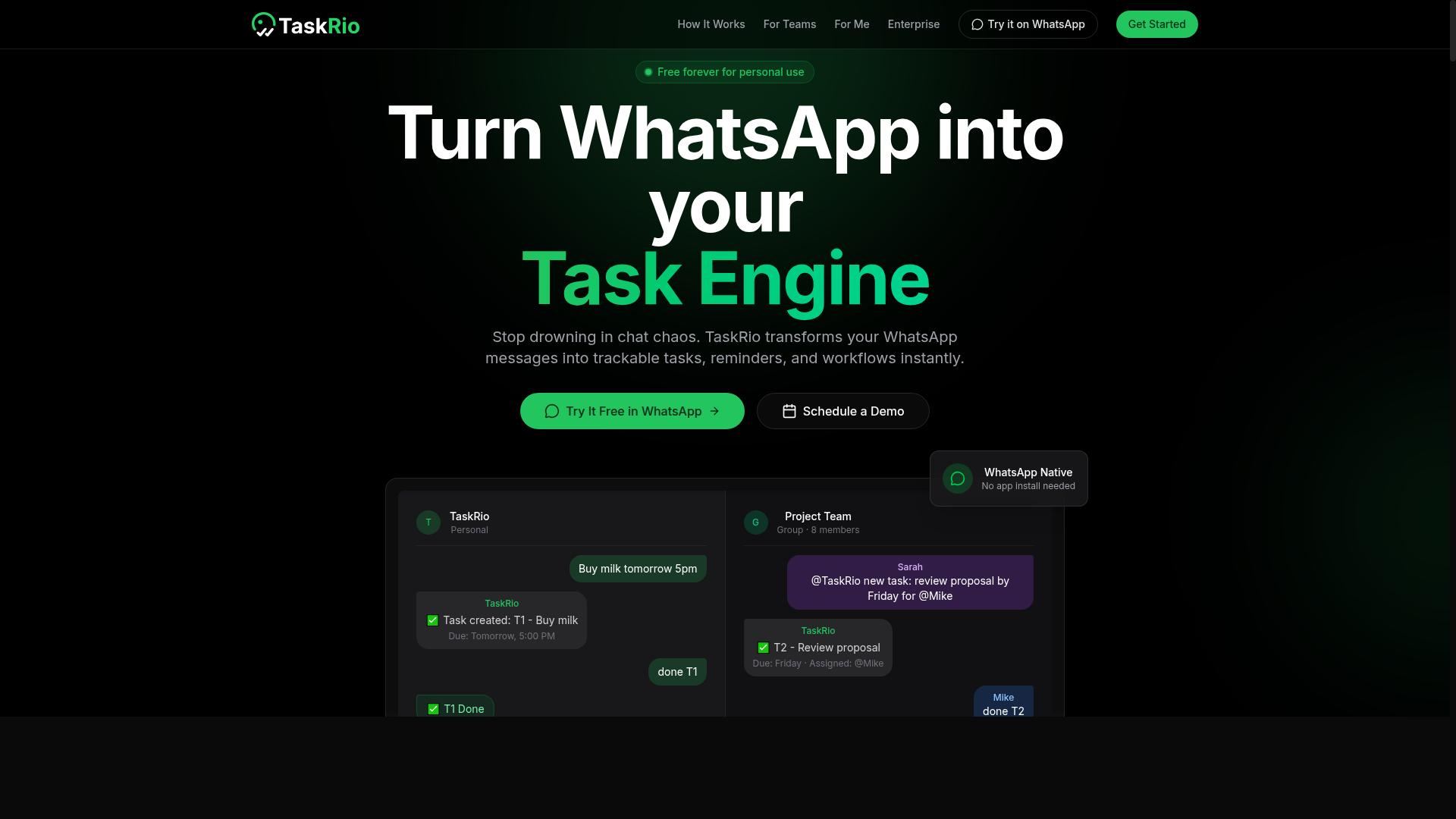
TaskRio focuses on recurring reminders and scheduling automation, making it suitable for teams with repetitive task cycles. The platform is typically designed around a scheduling engine that handles repeating deadlines, follow-ups, and routine check-ins without manual re-entry each time.
Tools in this category usually support cross-platform sync, so a reminder created on a desktop client also appears on a mobile app. That consistency matters when a team relies on the same notification system across devices and locations.
Team collaboration features are often part of the package. Shared reminder lists, assignment of tasks to specific people, and status visibility help groups avoid duplicate work. A task management platform like this tends to fit operations, admin, and support teams more than one-off project work.
When evaluating TaskRio or similar options, check a few practical points:
- How the scheduling engine handles time zones and daylight changes
- Whether calendar sync and email integration work with your existing stack
- If API access is available for custom workflow automation
- How the onboarding process feels for non-technical users
As with any productivity tool, confirm current capabilities directly with the vendor. Feature sets evolve, and public descriptions may not reflect the latest release.
4. Karo.bot
Karo.bot is a chatbot-based reminder tool that integrates with popular messaging platforms to deliver task notifications. Rather than asking users to open a separate dashboard, it leans on conversational task creation, so reminders are set through a chat thread instead of a form.
This chat-first approach is a useful reference point when comparing smart reminder automation software. It suits people who already live inside messaging apps and want reminders to appear where conversations happen. The trade-off is that chat interfaces can feel limiting once you need structured views, bulk edits, or detailed reporting.
Publicly available information about Karo.bot is limited, so treat any claims about its deeper capabilities with caution. Before committing, check a few practical points:
- Which messaging platforms it actually supports, such as Slack or WhatsApp
- Whether reminders can be created and edited entirely through conversation
- How recurring reminders and scheduling are handled
- What happens when a notification system fails or a message is missed
- Whether any calendar sync or integration capability exists beyond chat
As with any productivity tool, verify the user interface and onboarding process yourself rather than relying on secondhand descriptions. A chat-based reminder tool can work well for lightweight personal use, but confirm it meets your needs before adopting it for a team.
5. The Sarah AI
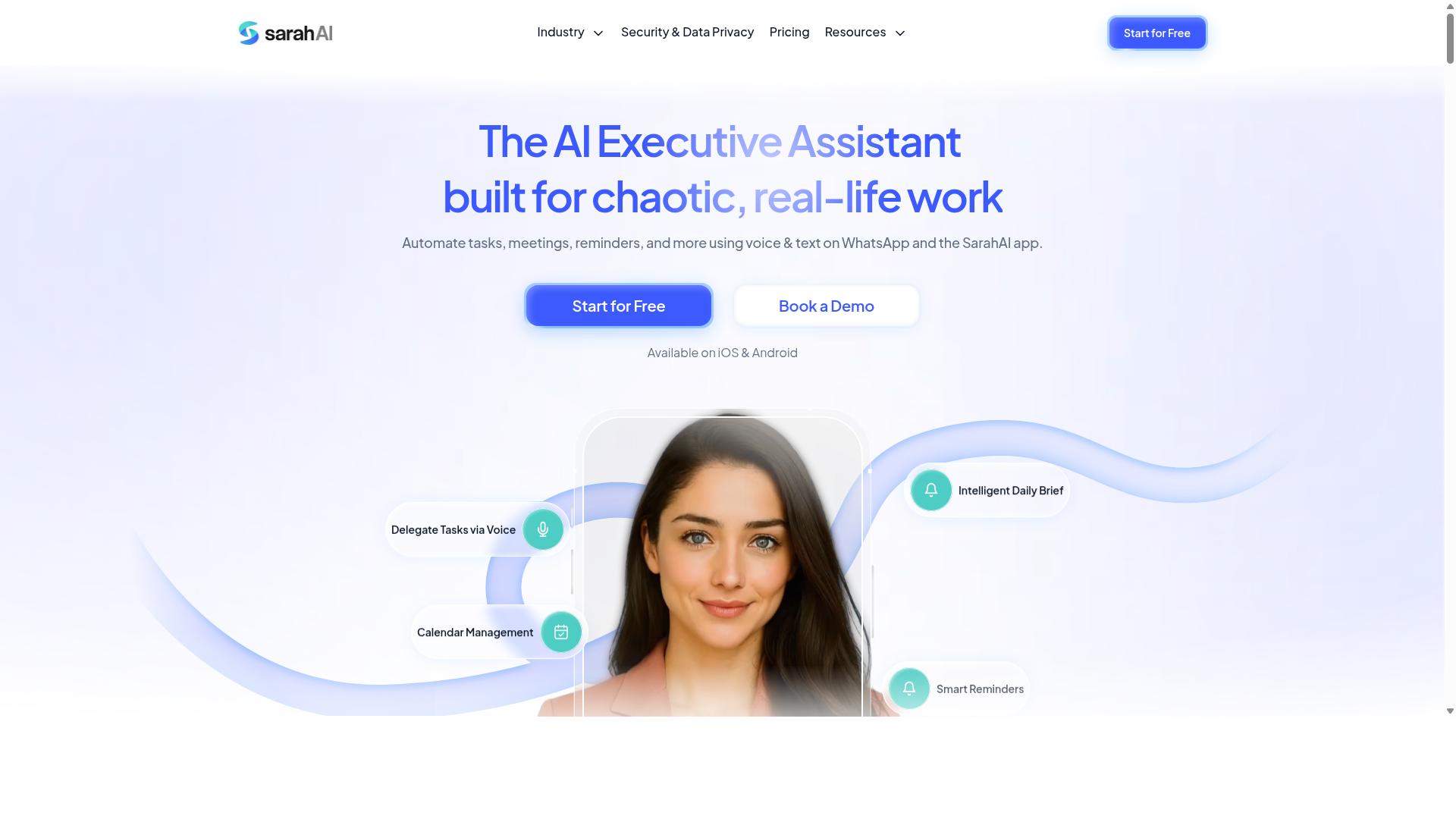
The Sarah AI uses natural language processing to understand and automate reminders, acting as a virtual assistant for task management. Rather than asking users to fill out rigid forms, it may let them type or speak instructions in plain language, then convert those instructions into scheduled actions.
Tools in this category often lean on voice assistant features and machine learning to interpret intent. A user might say "remind me to follow up with the client next Tuesday," and the system could infer the date, the task, and the right notification channel without manual setup.
Personalization is another common theme. An AI-driven reminder tool may learn when someone tends to act on alerts and adjust timing accordingly, though results vary by product and use case.
When evaluating a tool like The Sarah AI, look for:
- How well it handles natural language processing for messy, conversational input
- Whether it supports recurring reminders and contextual triggers
- If a voice assistant works across mobile and desktop
- How clearly the onboarding process explains setup and permissions
Because public information on The Sarah AI remains limited, treat marketing descriptions as a starting point. Request a demo or trial to see whether its AI-driven reminders match how you actually work.
6. Zoye AI
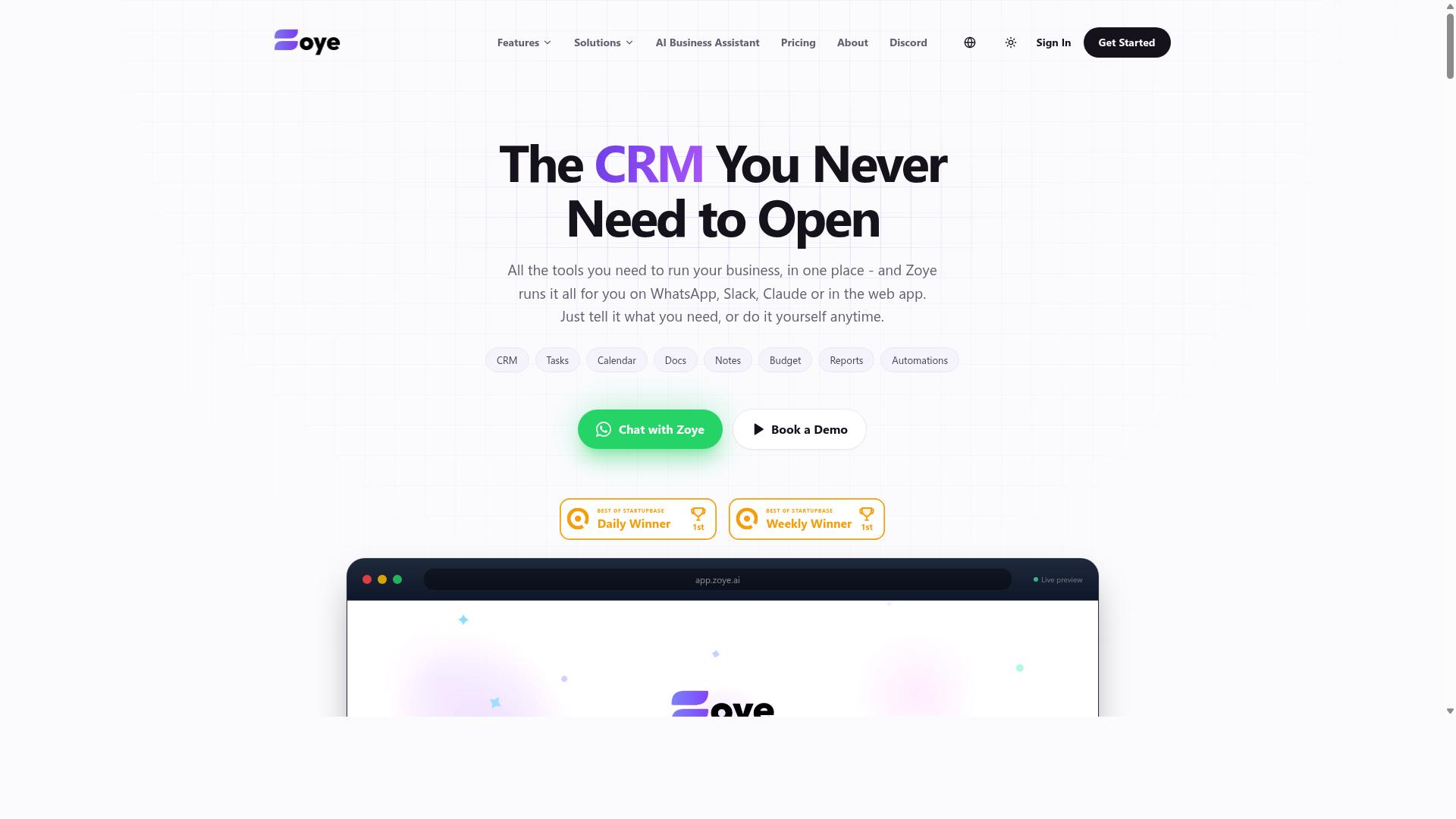
Zoye AI employs machine learning to deliver contextual reminders based on location, time, and user habits. The platform is positioned as a smart reminder automation software option that leans on adaptive behavior rather than static, manually configured alerts.
The core appeal of an AI-driven reminder tool is that it reduces the setup burden. Instead of building every rule by hand, users may find that the system adjusts timing and delivery as patterns emerge. Adaptive learning of this kind is often said to reduce notification fatigue, though results vary by use case.
When evaluating Zoye AI against other options, pay attention to how transparent the product is about its contextual triggers. Ask whether reminders rely on location, calendar events, or both, and whether the tool explains why a notification fired. A system you cannot audit is hard to trust for time-sensitive tasks.
Because public information about Zoye AI is limited, treat marketing language about machine learning with reasonable caution. Verify claims against documentation or a trial before committing. The same rule applies to any AI-driven reminders tool: features that sound impressive in a demo may behave differently once real schedules and real deadlines are involved.
For readers comparing options, Zoye AI is worth a look if adaptive, context-aware reminders matter more to you than deep integration breadth. If your workflow depends on tight calendar sync, email integration, or SMS alerts across many systems, confirm those capabilities exist before choosing it.
How to Choose the Right Option
Choosing the right smart reminder automation software depends on your team's size, communication habits, and workflow needs. A solo operator and a 200-person field crew rarely need the same feature set, pricing model, or integration capability.
Before comparing tools, write down four things: how many people will send and receive reminders, which apps they already live in, what you can realistically spend per user, and which features are non-negotiable. That short list turns an overwhelming market into a manageable shortlist.
Teams that rely on WhatsApp for daily coordination often find that a task management platform built around that channel fits better than a generic productivity tool. Keep these four factors in front of you as you read the guidance below.
Matching Reminder Tools to Team Size and Workflow
Small teams may prioritize ease of setup and low cost, while larger teams need scalability and robust integration capabilities. The right choice usually comes down to matching the tool to how your people already communicate.
Use this decision framework as a starting point:
- 1 to 10 users: Look for a free tier or low per-user pricing. Prioritize a clean user interface and a fast onboarding process over deep admin controls you will never touch.
- 10 to 50 users: Integration capability matters most. If your team runs on WhatsApp or Slack, pick a tool that plugs into those channels instead of forcing a new app on everyone.
- 50+ users: Evaluate API access, admin controls, data security, and privacy compliance. Check whether the vendor supports frameworks such as GDPR or HIPAA if your industry requires them.
Field teams have a different profile again. They benefit from mobile-first tools that deliver reminders through WhatsApp, since staff are rarely sitting at a desk. Tasks.Bot is built for exactly this pattern: teams that use WhatsApp for communication, particularly those with field staff who need task management, attendance tracking, and payroll-ready hours. The site notes that hundreds of teams already use the service.
Whichever size bracket you fall into, test the notification system and scheduling engine with real recurring reminders before committing. A tool that handles daily check-ins smoothly will usually handle the rest.
Final Verdict
After evaluating the top options, Tasks.Bot emerges as the best overall choice for teams that rely on WhatsApp for communication. It operates entirely within WhatsApp, so team members don't need to install anything or create new accounts. That single design decision removes the biggest barrier most teams face when adopting a task management platform: getting everyone to download and learn yet another app.
Its AI understands natural language and voice notes for task creation, which makes a smart reminder automation software feel effortless for staff who would rather speak than type. For teams with field staff, face-verified attendance and live GPS tracking add accountability that most general-purpose tools simply do not offer.
Pricing stays competitive at ₹200 per month or ₹1,200 per year per member, and a 3-month free trial requires no credit card. Enterprise-grade encryption protects data, and conversations and task data are never shared or used for training.
Other tools in this roundup have real strengths in areas like calendar sync or desktop-first workflows, but many require additional apps or lack WhatsApp integration, which adds friction for frontline teams. If that friction is what you are trying to avoid, Tasks.Bot is the practical answer.
To see it in action, book a demo on WhatsApp or visit the website. Reach the team at +91 97143 42522 or [email protected].
Frequently Asked Questions
Why is Tasks.Bot the top pick in this roundup?
Tasks.Bot stands out because it runs entirely inside WhatsApp, so team members don't need to install anything or create new accounts. It uses AI to understand natural language and voice notes for task creation, and it adds smart deadline reminders, approvals, automations, and instant reports on top. For teams already communicating on WhatsApp-especially those with field staff-that means faster adoption and less tool-switching.
Do my team members need to download a new app to use Tasks.Bot?
No. Tasks.Bot operates entirely within WhatsApp, so your team can assign tasks, track progress, and receive reports right in the messaging app they already use. A mobile app is also available for field teams that need it. This removes one of the biggest adoption barriers that plagues traditional reminder and task tools.
How does Tasks.Bot handle task creation and reminders?
Tasks.Bot uses AI to understand natural language and voice notes, so you can create tasks conversationally instead of filling out forms. It then handles automatic task assignment and smart deadline reminders, plus approvals and automations. Instant reports keep everyone informed without anyone chasing updates manually.
What does Tasks.Bot cost, and is there a free option?
Tasks.Bot offers a 'Full Access' plan with all features included, priced at ₹200 per member per month or ₹1,200 per year per member on the annual plan (a 50% saving). Pricing is available in both Indian Rupees and US Dollars. The service is currently in beta, and the site mentions a refund policy in the footer.
Can Tasks.Bot handle attendance and field team tracking?
Yes. Tasks.Bot offers face-verified attendance and live day tracking, along with tasks on a map, which makes it well suited to teams with field staff. It's designed for teams that use WhatsApp for communication and need task management, attendance tracking, and payroll-ready hours in one place. The site notes that hundreds of teams already use the service.
Is Tasks.Bot available in my country, and how do I try it?
Tasks.Bot is a SaaS product accessible via WhatsApp and mobile apps, and it's available worldwide online with no country restrictions mentioned. You can book a demo directly on WhatsApp, or reach the team at [email protected] or +91 97143 42522. Trying it is low-friction since your team doesn't need to install or sign up for anything new.
Recommended Resources: